Purchase add-ons for GOMOBiz mobile lines
Only the GOMOBiz account owner or admins can purchase mobile add-ons for their staff.
Follow these steps:
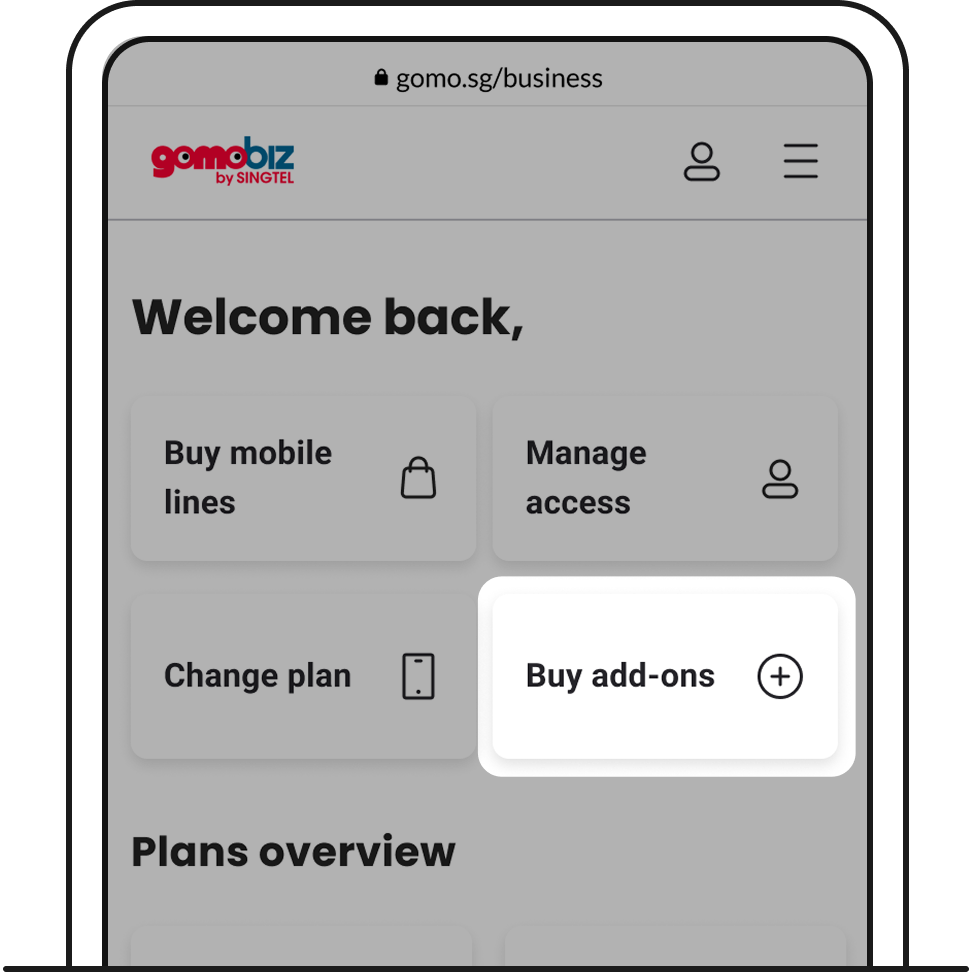
1. Log in to your GOMOBiz account. Click Buy add-ons.
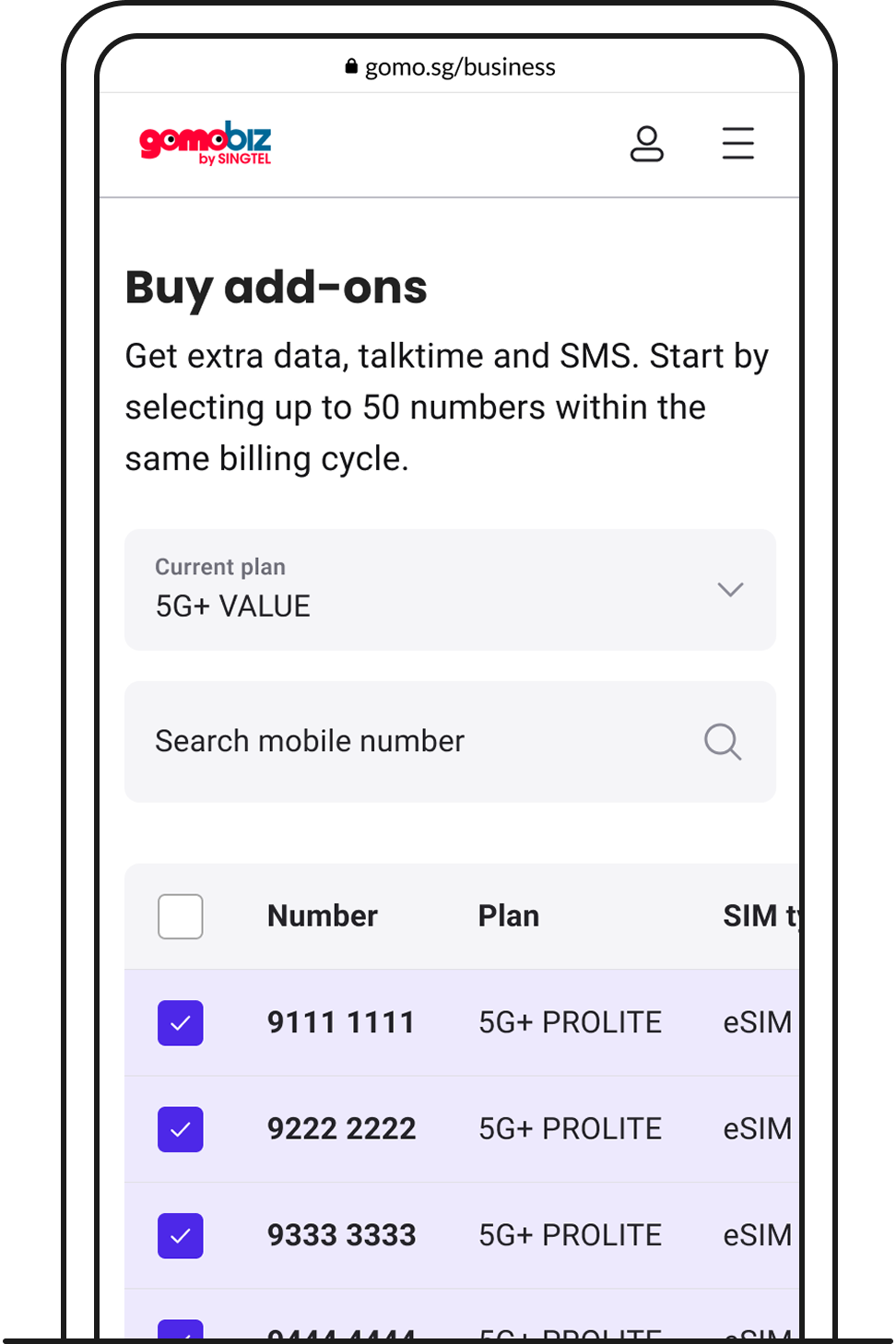
2. You can buy add-ons for up to 50 numbers on the same plan, within the same billing cycle.
At any one time, you can only buy 1 roaming add-on, while there is no limit to the number of local add-ons you can purchase.
3. Follow the steps on screen and complete your payment.
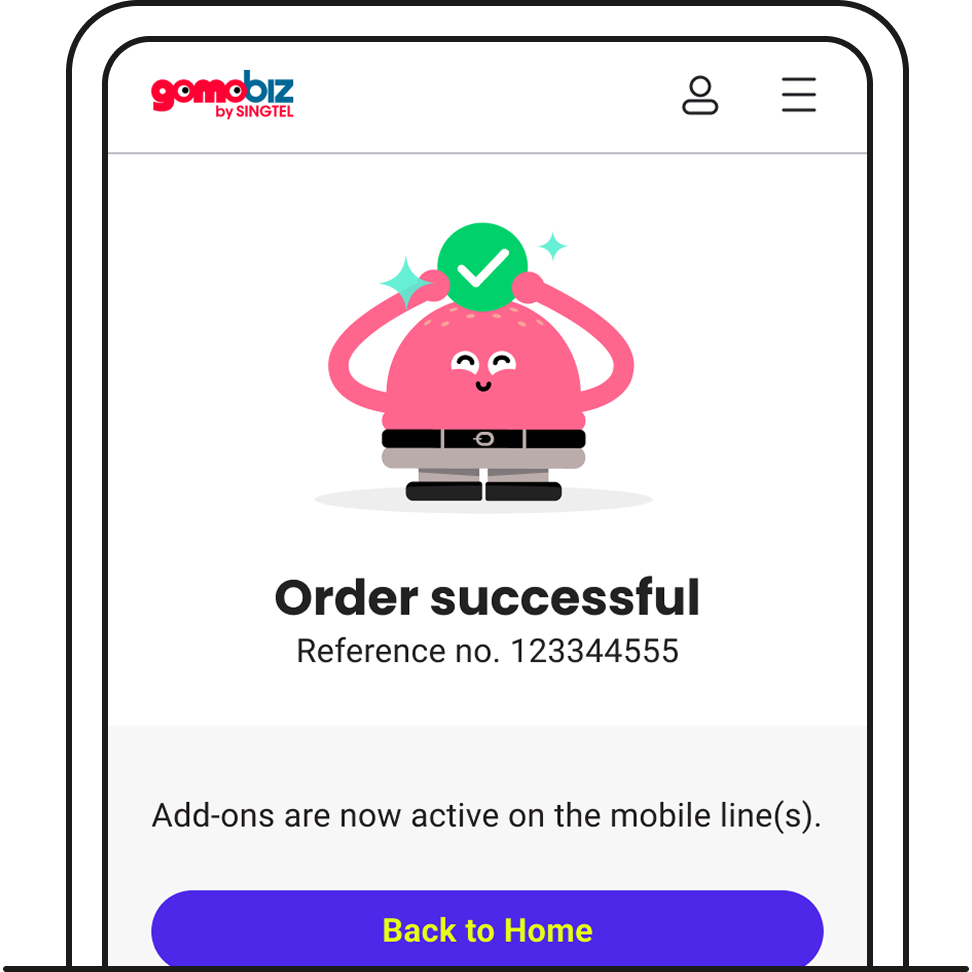
4. Once the order is successful, these add-ons will be reflected on the respective mobile lines.